Supported Living Placement Referrals for Professionals
Find supported living vacancies that match your client's needs. Submit a Referral Passport, review the providers that fit, and send one referral to several of them at once. Covers learning disabilities, mental health, autism, acquired brain injury and physical disabilities.

What you get
- A scored shortlist of supported living providers that fit your criteria
- One referral sent to several providers by email, with replies coming straight to you
- A shared account for your team, with each person's referrals kept in one place
A faster way to find a supported living placement
Many placement and discharge teams send the same referral by email to a list of providers, then wait to hear who has space. The Referral Passport lets you describe the needs once and see which providers fit before you make contact.
Emailing provider lists
- Rewrite the needs summary for each provider
- No view of who has a vacancy until someone replies
- Replies arrive in different formats and have to be tracked by hand
- Start again if nothing fits
With a Referral Passport
- Describe the needs once, in under ten minutes
- See providers with listed vacancies, scored against your criteria
- Shortlist and send one referral to several providers together
- Adjust your criteria and search again whenever you need to
How to Make a Supported Living Referral
Four steps from sign-in to contacting matched providers
Read the video transcript
Finding the right supported living placement can be time consuming. For local authority placement teams, NHS discharge departments, and housing associations, finding the right option can mean making calls, checking availability, and sending inquiries, sometimes taking two or three days. But what if you could find suitable options in under 30 minutes? Introducing the new Find Your Room Referral Passport, a simple, digital way to connect people seeking supported living with suitable providers who have live availability. Simply log in and complete the online form in under 10 minutes. No personal or sensitive information required. Just tell us what matters: preferred areas, care and support needs, housing requirements, funding status, risk levels, and whether the search is related to homelessness. Submit your enquiry and instantly see supported living providers with live availability that match your criteria. Select the providers you want to contact, and send one Referral Passport to multiple providers at the same time. Providers receive the referral digitally and can contact you directly. And if the placement is urgent, you can contact providers immediately by phone. Less time searching, less administration, more suitable outcomes. And for supported living providers, including not-for-profit organisations, listing properties on Find Your Room is free. Visit findyourroom.co.uk and give the Referral Passport a try.
Sign in and describe the need
Sign in to your organisation's account and complete the Referral Passport. It takes under ten minutes and needs no names or NHS numbers.
See your matches
Providers with supported living vacancies are compared against your criteria and scored, so the closest fits come first.
Choose a shortlist
Review the matching properties and select the ones you would like to contact.
Contact providers
Send your shortlist an automatic email, and they reply straight to you. For urgent cases you can phone them yourself.
Who Can Submit a Supported Living Referral
Any registered health or social care professional with authority to start a placement search
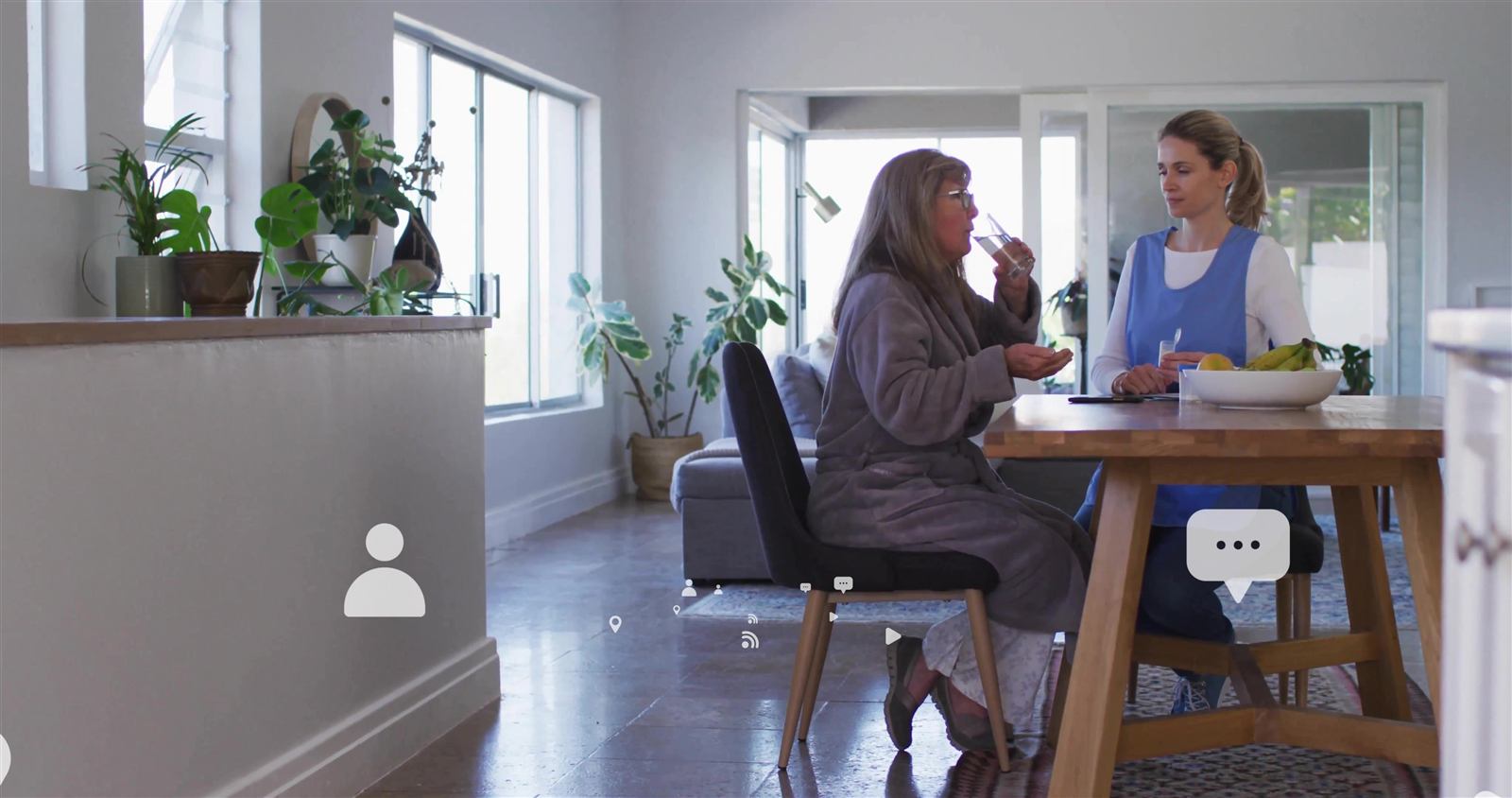
Supported living referrals across adult care needs
The Referral Passport records what a person needs from their home and support, for an urgent hospital discharge or a planned move, without any identifying information.
Shortlisted providers are contacted directly and reply to you.
Urgent discharges and Section 117 aftercare
When a discharge date is fixed, use the Referral Passport to narrow the field quickly, then phone the best-fitting providers directly. Mental health aftercare under Section 117 and NHS Continuing Healthcare funded placements can be searched in the same way.
Browse supported living vacancies →Learning Disabilities
Mild to profound learning disabilities, Prader-Willi, Down's syndrome, dual diagnosis
Mental Health
Schizophrenia, bipolar, EUPD, complex PTSD, Section 117 placements
Autism Spectrum
Including pathological demand avoidance (PDA) and complex presentations
Acquired Brain Injury
Stroke, traumatic brain injury, hypoxic brain injury, Huntington's disease
Physical Disabilities
Spinal injury, MS, cerebral palsy, complex mobility and care needs
Continuing Healthcare (CHC)
NHS-funded placements and joint-funded local authority and ICB arrangements
Background reading on supported living
Guides from our Info Hub that people ask about alongside a referral
All supported living guides How do I pay for supported living?One Account for Your Whole Team
Submitting a referral means signing in to your organisation's own Referral Passport Portal account. Here is what the account includes.

Invite your colleagues
The account owner invites team members by email. Each person sets their own password and can turn on an authenticator app, so nobody shares a login.
Everyone's referrals in one place
Your own submissions are always yours to track. The account owner can see the whole team's referrals too.
Built-in sign-in security
Two-factor authentication, an audit log of account activity and single-use invite links.
Per-seat access
Pay for the number of people who need access, and add or remove seats as your team changes.
Create your account
Your organisation's name, your name and email, and a password, set up in under two minutes.
Invite your team (optional)
Add colleagues whenever you're ready. Each invite is a single-use link, so nobody has to share a password.
Start referring
Submit a Referral Passport, review your matches, and track every referral your team makes from one dashboard.
Supported Living Referral FAQs
Who can make a supported living referral through Find Your Room?
Do I need to enter personal details about the person being referred?
How long does a supported living referral take?
How does the matching work?
Can I use it for an urgent hospital discharge?
Which needs does it cover?
Does this replace our local authority or ICB referral process?
How much does it cost?
Is it free for supported living providers to be listed?
Something not covered here? Contact us.
Get Started
Sign in to your organisation's account to submit a referral, or set one up in a couple of minutes.
Sign In Create an Account